⭐️
How to Get Started with Google Cloud’s Free Tools
Ever wanted to play around with AI but thought it was way too complicated or expensive? Yeah, me too. But here’s the good news: Google Cloud has free AI tools that anyone can try—even if you’re not a coding genius. Seriously, you can start experimenting today, have fun with some small projects, and get a feel for what AI can do. I’m going to walk you through it step by step, so you can dive right in.
⸻
Step 1: Set Up Your Google Cloud Account
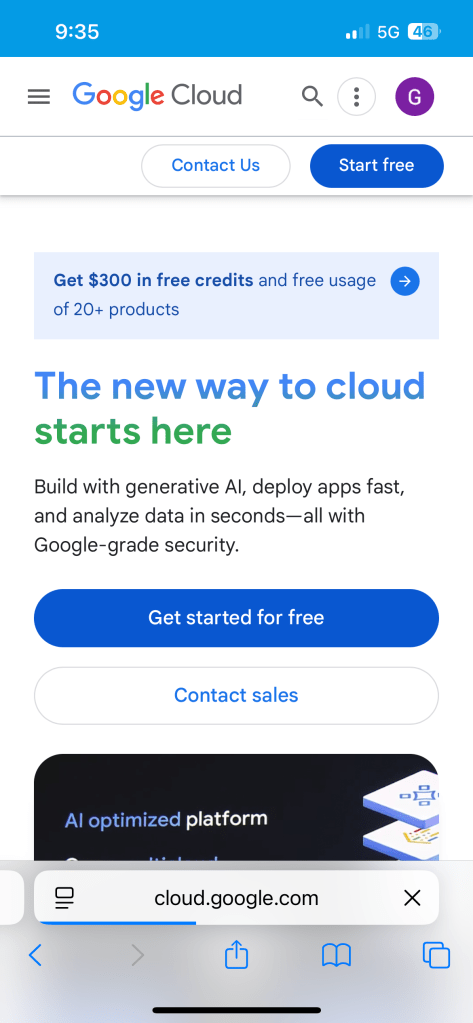
First things first—you need a Google Cloud account. If you already have a Google account (Gmail, YouTube, whatever), you’re halfway there. Go to Google Cloud Free Tier and sign up.
Here’s the cool part: Google gives you $300 in credits for 90 days just to try things out. That’s more than enough to experiment without paying a penny. They do ask for a credit card to verify your identity, but don’t freak out—they won’t charge you unless you go past the free limits.
Pro tip: keep an eye on your usage so you don’t accidentally hit paid features. You don’t want your “fun AI experiment” turning into a surprise bill.
⸻
Step 2: Explore Free AI Tools
Once your account is ready, it’s time to poke around. Google Cloud has tons of AI tools, but for beginners, here’s a good starting list:
• Vertex AI: Build and deploy machine learning models without being a coding wizard.
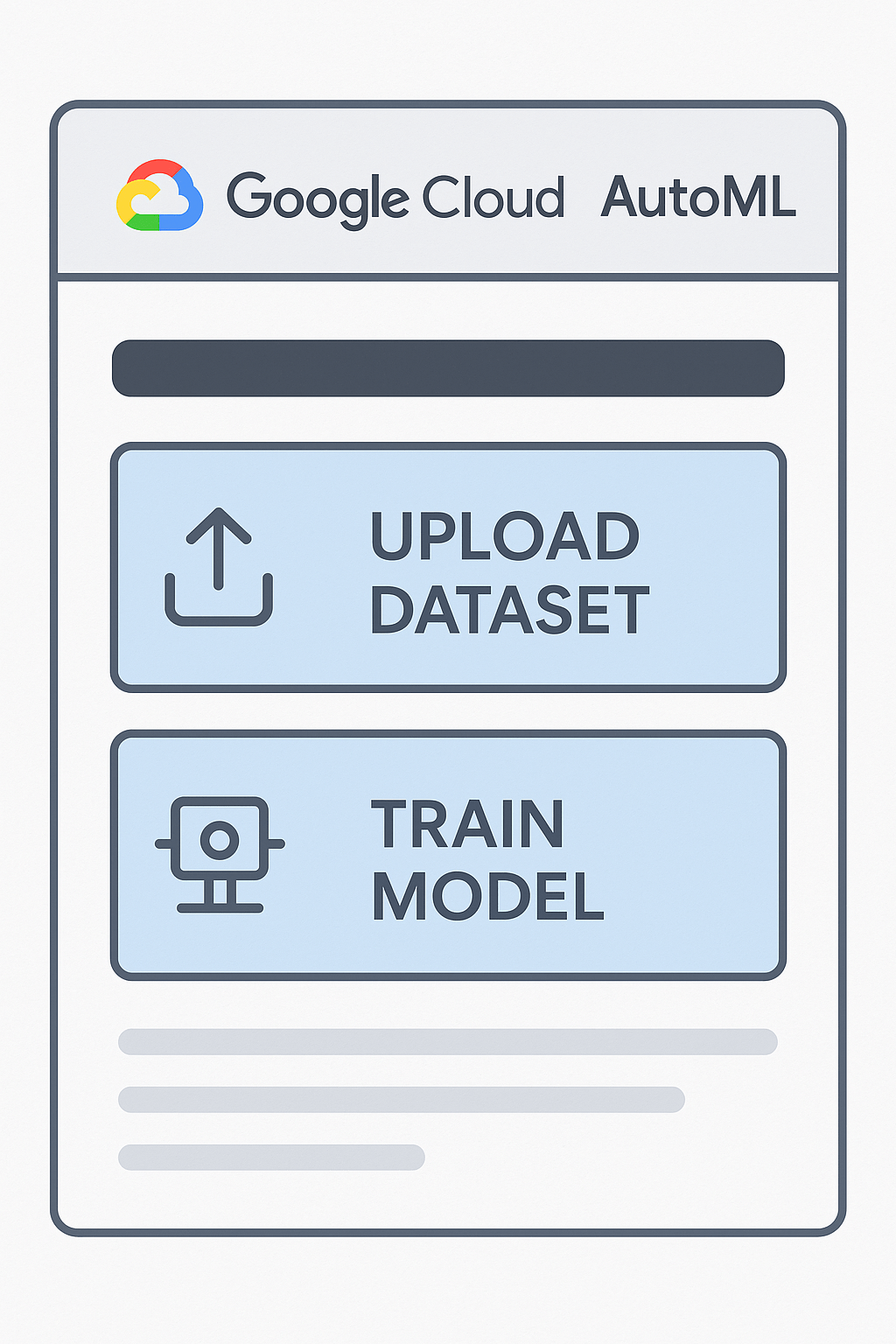
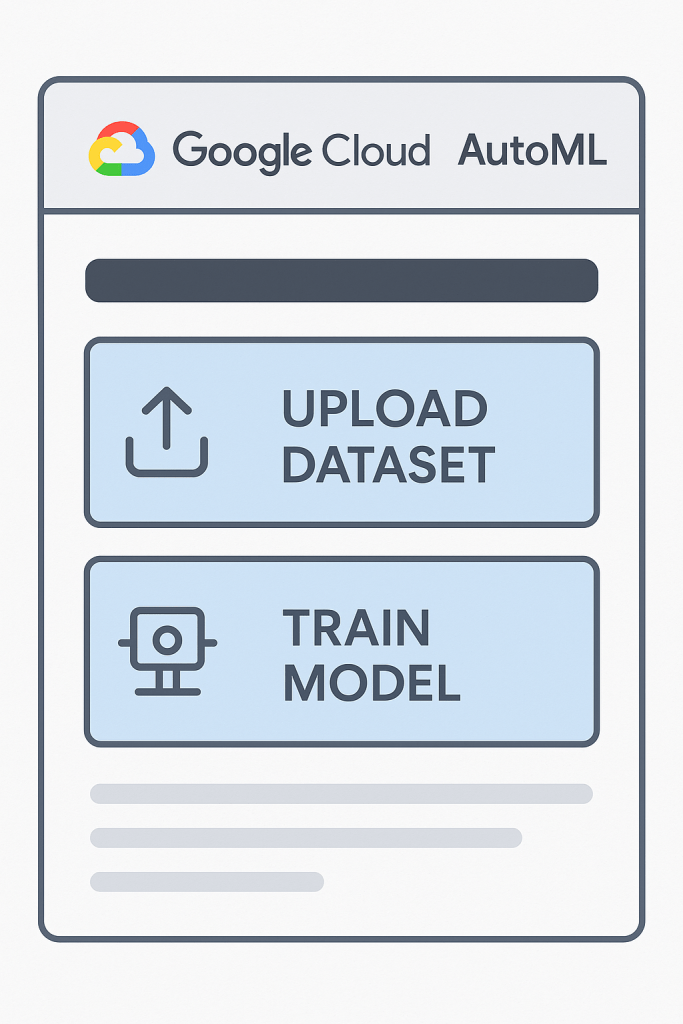
• AutoML: Super beginner-friendly. You can do things like image recognition or text analysis with almost zero coding.
• AI APIs: Fun stuff like speech-to-text, language translation, and natural language understanding.
Honestly, you don’t need to try everything at once. Pick one, maybe something fun like image recognition, and just see what happens. You’ll learn more by actually playing with it than reading 50 guides.
⸻
Step 3: Try a Simple Project
Here’s where it gets fun. Pick a small, achievable project—nothing crazy. For example, with AutoML Vision, you can train an AI to recognize objects in photos.
Here’s a quick outline:
1. Take or collect a few photos for your project. Make sure these are your own pictures (copyright-friendly, yay!).
2. Upload them into AutoML and label them.
3. Train your model and see what happens.
When I first did this, my model thought my cat was a loaf of bread… 😂 But that’s the learning process! Even mistakes help you understand how machine learning works in a hands-on way.
⸻
Step 4: Tips for Beginners
• Start small: Don’t try to build the next Skynet on day one. Small projects are way more fun.
• Take notes: Keep track of what works and what doesn’t—it makes your next project easier.
• Check Google’s tutorials: They’re surprisingly easy to follow and beginner-friendly (link here).
• Stay safe: Don’t upload sensitive personal info—just in case.
⸻
Conclusion
Getting started with AI doesn’t have to be scary or expensive. With Google Cloud’s free tools, you can explore, experiment, and even create little projects that are super satisfying to show off.
So, go ahead—sign up, pick a fun project, and start playing. AI isn’t just for experts anymore. It’s for anyone curious enough to try. And trust me, it’s way more fun than it sounds.
⸻
💡 Helpful links:
• Google Cloud Free Tier: https://cloud.google.com/free
• Beginner AI tutorials: https://cloud.google.com/learn/ai
⭐️
-Brittany @CyberTechNova
 CyberTechNova